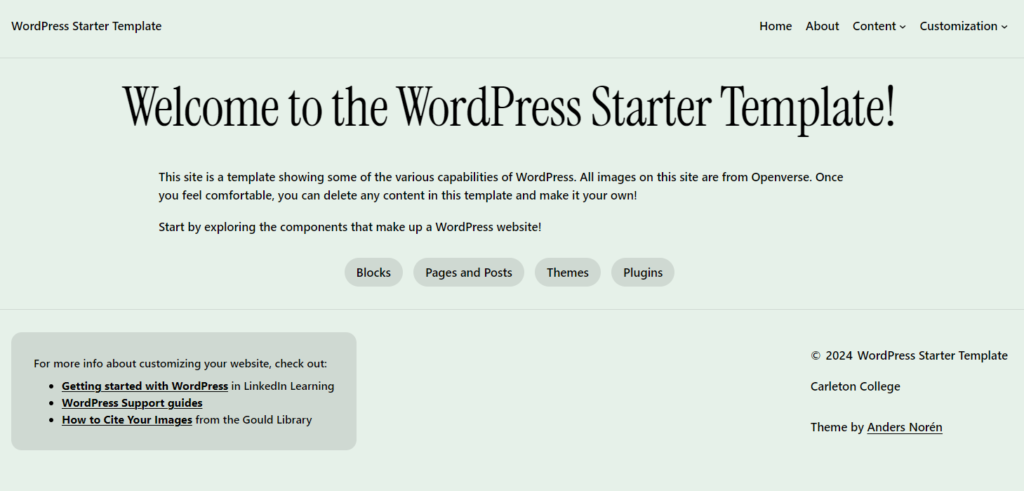
WordPress Starter Template
This starter template is designed to help first-time users understand various WordPress capabilities and links to other resources found in Carleton’s Gould Library, WordPress documentation, and LinkedIn Learning.
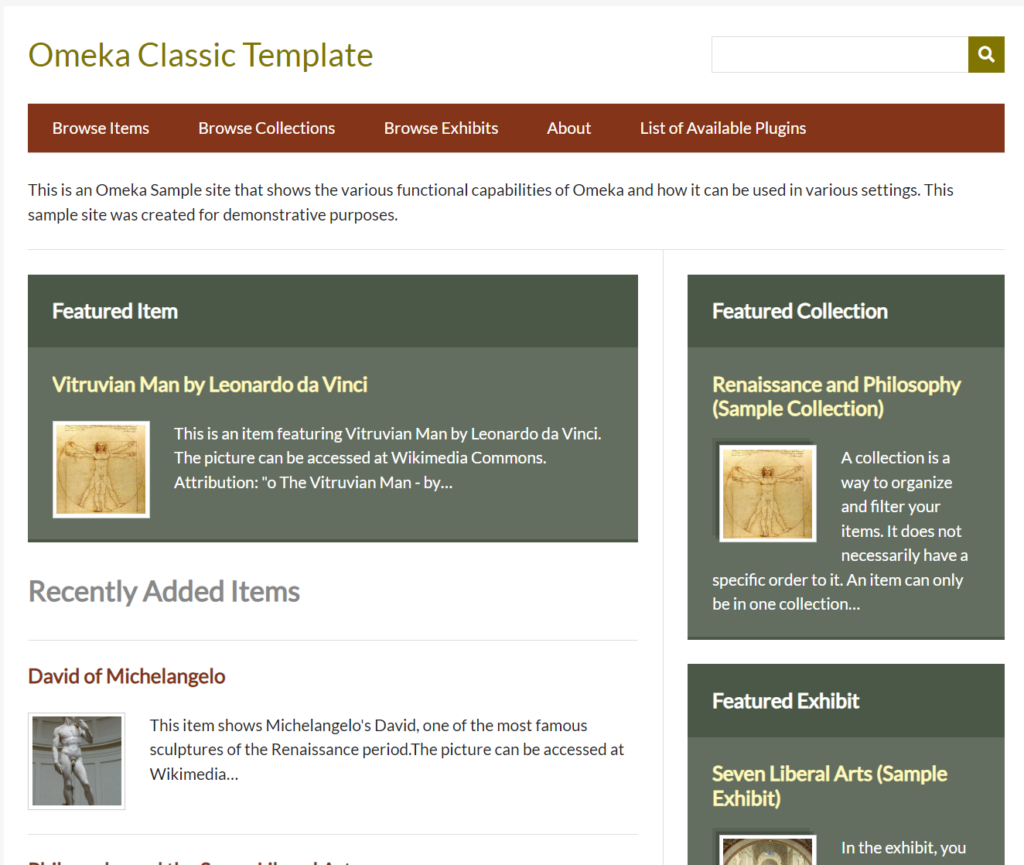
Omeka Classic Template
Omeka Classic’s web structure and metadata can be difficult to navigate for beginners, so this starter template is designed to help first-time users get a head start by showcasing some of Omeka’s capabilities.

Omeka S Template
Omeka S is a secondary, updated version of Omeka Classic. This template is designed to guide students through the abilities of Omeka S.
URL: https://omeka-s.templates.sites.carleton.edu/s/omeka-s-template/page/about
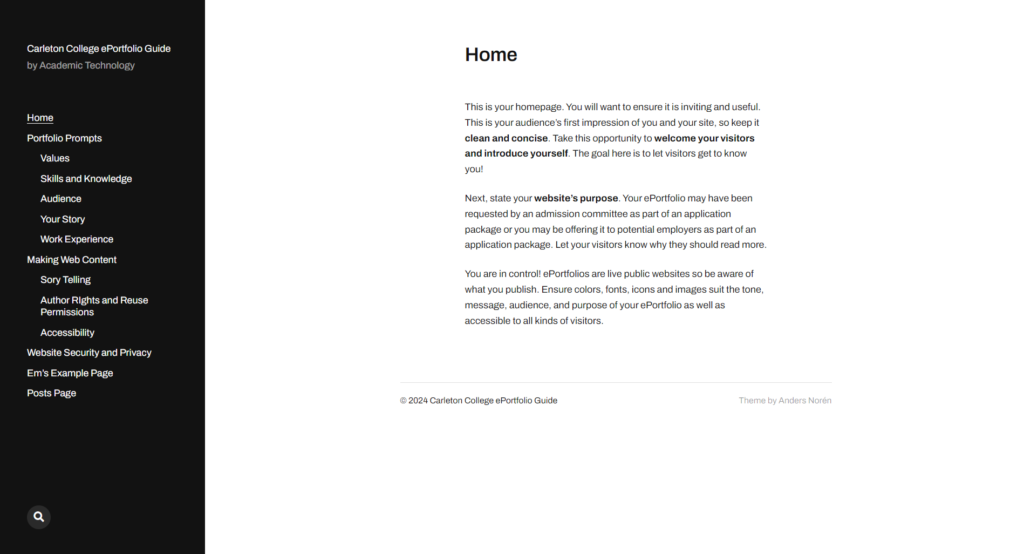
Student ePortfolio Template
This template is meant to guide students through the process of creating a personal website (also known as an ePortfolio), learning what web content to include in your site and how to do it effectively.
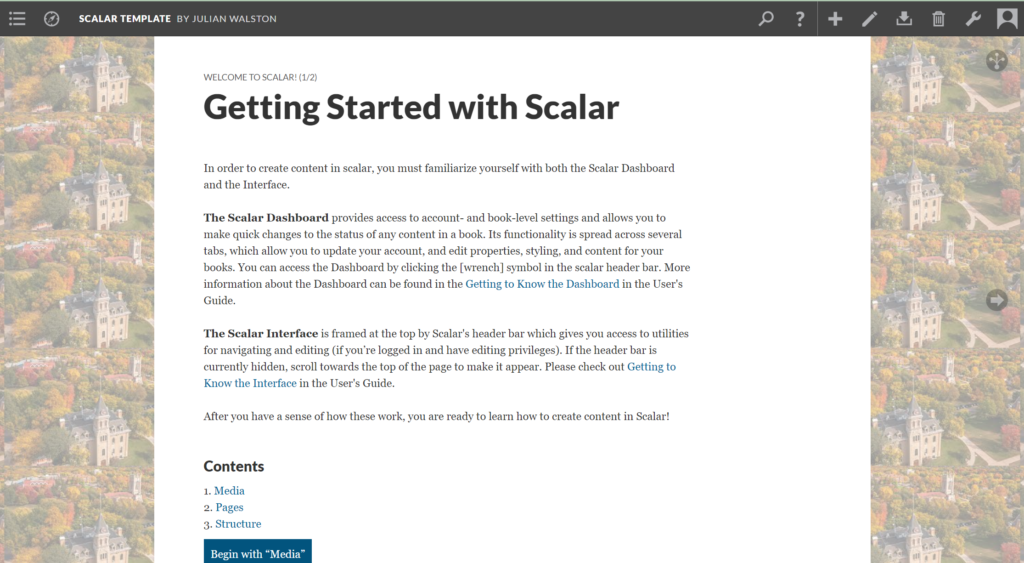
Scalar Template
This template highlights some essential capabilities of Scalar, differnetiating between the aplication’s dashboard, inteface, and including some outside resources for more in depth information.
URL: https://scalar.templates.sites.carleton.edu/scalar-template/index

Studio Art Template
This template will guide students through creating a studio art webpage, designed to display an e-portfolio about students’ works.
To use one of these templates, please fill out the request form. Please log in with your Carleton credentials in order to gain access to the form.
